




Meeting Room AV Buying Guides
Practical guides to help you choose the right meeting room and classroom AV, written by the team at 21st Century AV, who have designed and installed meeting rooms since 1999. Each category guide sits at the bottom of the category page, with answers to common questions.
Category buying guides
- Video Conferencing buying guide
Choosing room systems, video bars, cameras and touch controllers for Microsoft Teams Rooms, Zoom Rooms and Google Meet. - Displays buying guide
Commercial displays, professional TVs, signage and monitors: sizes, features and what to look for. - Projection buying guide
Projectors, screens and mounts: brightness, throw distance and choosing the right screen. - Audio buying guide
Getting meeting room audio right: microphones, speakerphones, ceiling arrays and loudspeakers. - Interactive Technology buying guide
Interactive flat panels, meeting boards and touch displays for collaboration and classrooms. - Signal Management buying guide
Switching, extending and distributing HDMI and AV signals around a room or building. - Furniture buying guide
Display trolleys, floor stands, AV furniture and racks for meeting rooms and classrooms. - Cables buying guide
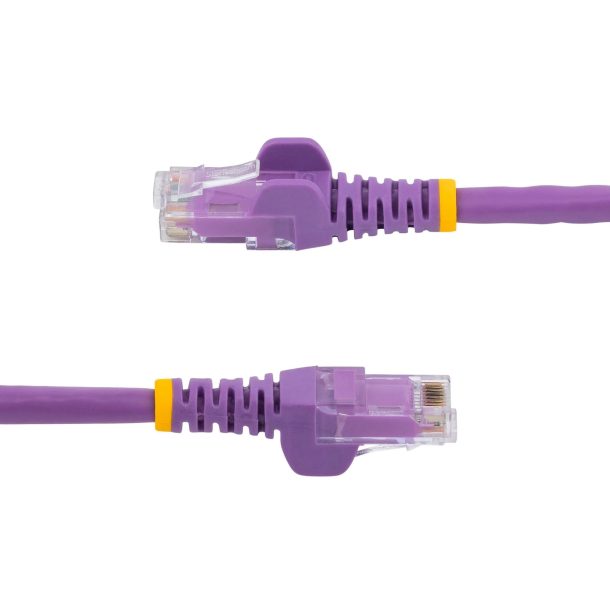
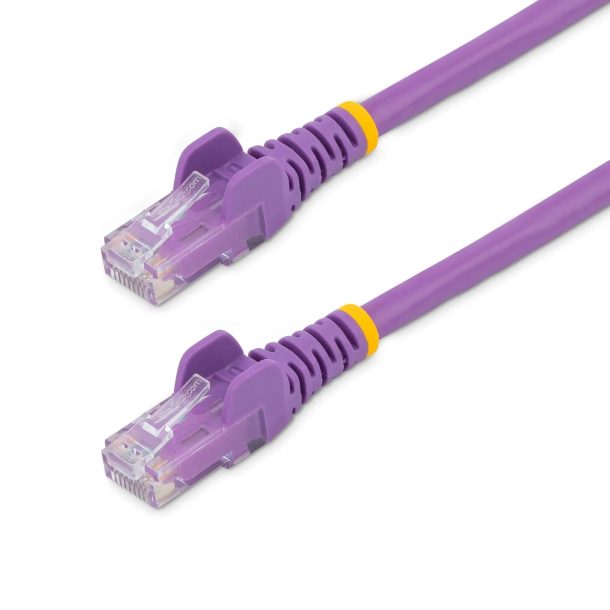
HDMI, USB, network and audio cables: which type and length to choose. - Accessories buying guide
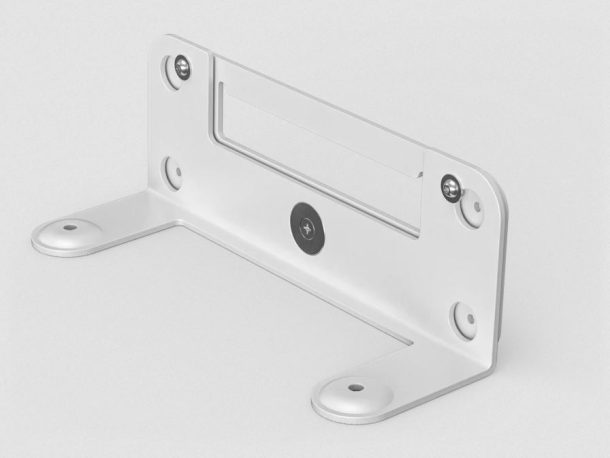
Mounts, adapters, power and installation accessories for AV and meeting rooms.
Product buying guides
- Choosing a video conferencing room system
- Choosing a conferencing camera
- Choosing a commercial display
- Planning digital signage
- Choosing a monitor
- Choosing a projector
- Choosing a projector screen
- Choosing a business headset
- Choosing the right mount
- Choosing network cables
Need advice for your rooms?
Send us your room sizes and how the rooms are used, and we’ll recommend the right kit with trade and education pricing. Request a quote or contact us.

